
Run Windows apps on your Mac when you actually need them.
Windowly gives Mac users a straightforward path to Windows-only tools for work, school and occasional projects—without buying a second computer or signing an annual contract.
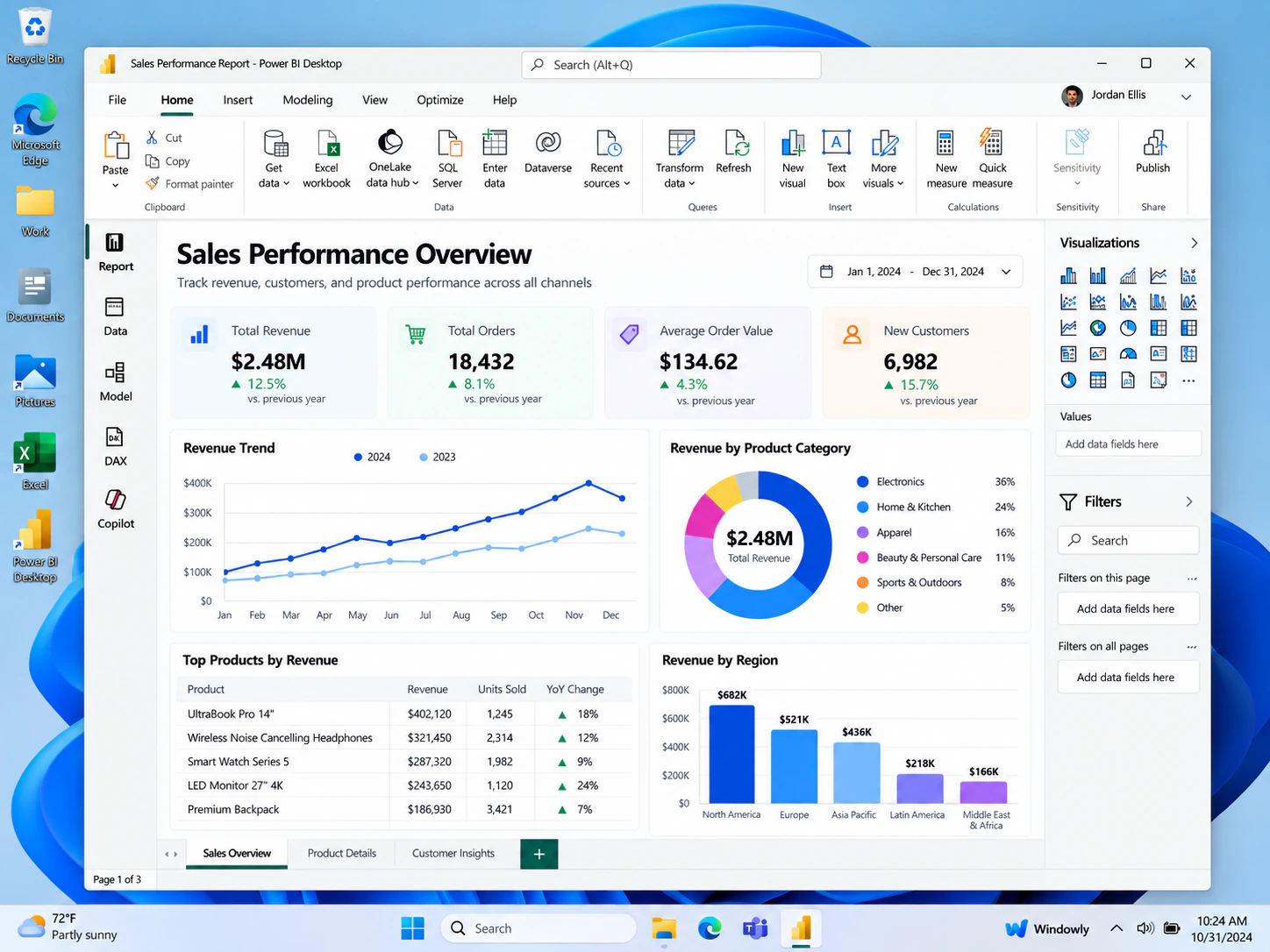
A practical option for Windows-only software.
Your Mac may cover almost everything you do, but some desktop applications still require Windows. Windowly is designed for those specific moments: a Power BI assignment, an ArcGIS Pro project, software testing or another tool that does not have a macOS version.
You install once, open the Windows environment and launch the application you came for. The subscription stays monthly, so you are not locked into a yearly plan.
Apple Silicon ready
Designed for current Mac hardware, including Apple Silicon models.
Monthly access
Three days free, then $9.99 USD per month. Cancel anytime.
Windows workspace
Use a familiar Windows environment for compatible Windows-only applications.
How to get started
Start your free trial
Use secure Stripe Checkout to begin the 3-day trial.
Complete the guided setup
Install Windowly on a compatible Apple Silicon Mac running macOS 14 or later.
Open the Windows app you need
Launch the Windows environment and get to work in your application.
Try Windows on your Mac for three days.
Continue for $9.99 USD per month only if Windowly fits your workflow. No annual commitment.
Try Windowly free