
Use Power BI Desktop without replacing your Mac.
Build reports, work with dashboards and complete analytics coursework in the Windows version of Power BI Desktop while keeping your Mac as your primary computer.
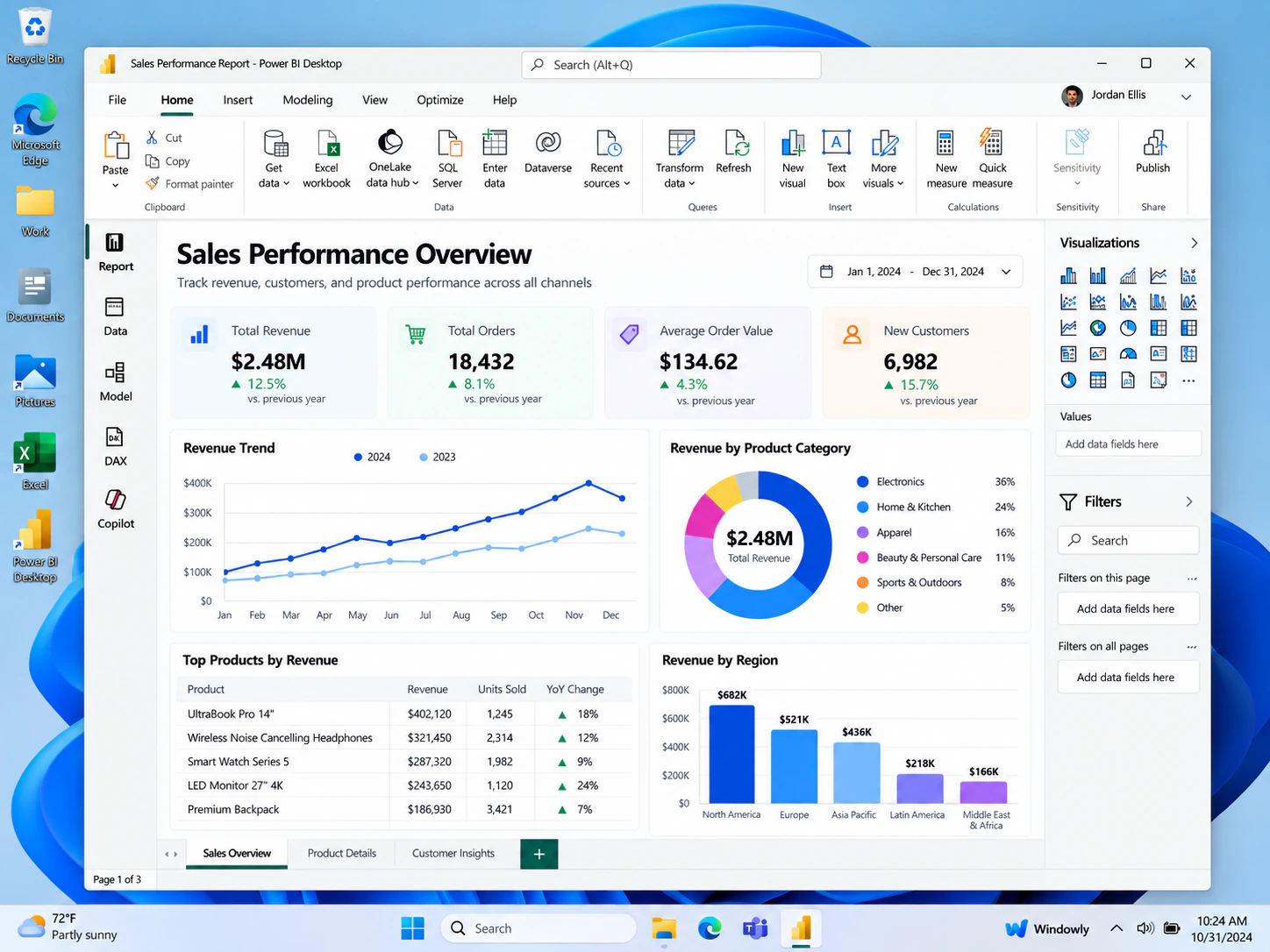
When Power BI on a Mac becomes necessary
Power BI in the browser can be useful for viewing and sharing, but classes and work projects often require Power BI Desktop. Windowly provides access to a Windows workspace where you can open the desktop application and work in its familiar interface.
This is useful for students building course projects, analysts preparing local reports and occasional users who do not want to purchase another computer for one Windows-only tool.
Dashboard projects
Create and edit Power BI Desktop reports for work or coursework.
Windows interface
Use the desktop application in the environment it was designed for.
No annual plan
Use Windowly monthly and cancel when the project is finished.
Three steps to Power BI Desktop
Start Windowly
Begin with the 3-day free trial and follow the setup guide.
Open Windows
Launch the Windows workspace from a compatible Apple Silicon Mac running macOS 14 or later.
Work in Power BI Desktop
Open Power BI, create your report and continue with your project.
Need Power BI Desktop on your Mac?
Try Windowly for three days, then continue for $9.99 USD per month if it meets your needs.
Start free trial