
Use SQL Server Management Studio without replacing your Mac.
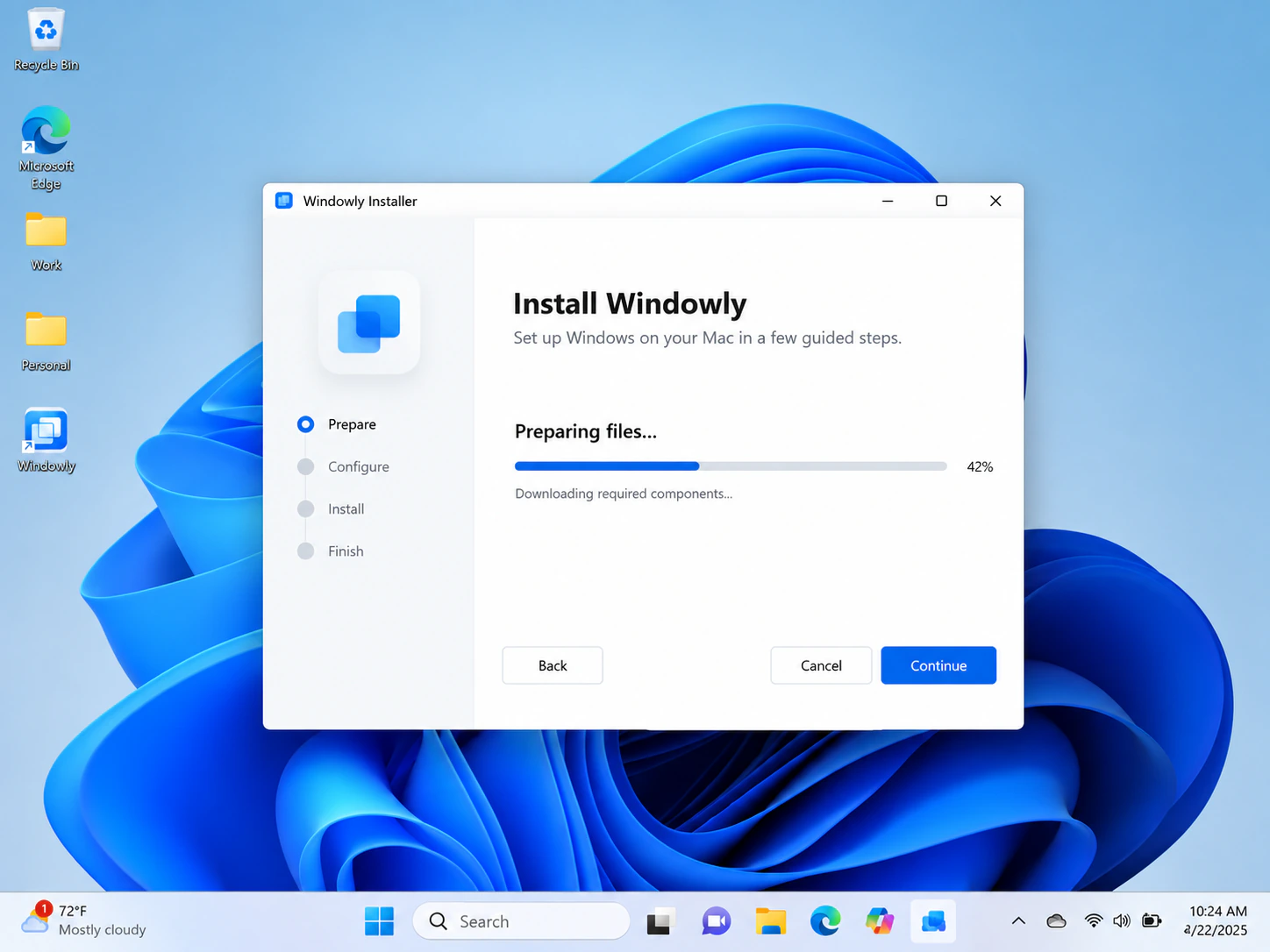
Windowly prepares a local Windows 11 ARM workspace on a compatible Apple Silicon Mac. Install SSMS from Microsoft, connect to your SQL environment and test the workflow you need.
Card required · $9.99 USD/month after 7 days · Cancel online anytime
Requires an Apple Silicon Mac running macOS 14 or later. Microsoft Windows, SSMS and SQL Server are not included. Check your Mac.
Why Windows is required
SSMS is a Windows application.
Microsoft makes SQL Server Management Studio available for Windows, including Windows on Arm64, but not for macOS. Windowly helps prepare the local Windows 11 ARM environment that the application requires.
Use the seven-day trial to verify your database connection, authentication method, extensions and day-to-day workflow before the first monthly charge.
Windows 11 ARM
Run a full local Windows workspace on a compatible Apple Silicon Mac.
SSMS from Microsoft
Download and install the current SSMS release directly from Microsoft.
Your SQL environment
Connect using your own server address, network access and credentials.
From your Mac to SSMS in three steps.
Start Windowly
Begin the seven-day trial and install Windowly on a compatible Apple Silicon Mac.
Prepare Windows 11
Follow the guided setup to create your local Windows 11 ARM workspace.
Install and test SSMS
Get SSMS from Microsoft, connect to your SQL environment and test the exact tasks you need.
Before you subscribe
Know what is—and is not—included.
Compatible Mac required
Windowly requires Apple Silicon—M1 or newer—and macOS 14 or later. Intel Macs are not supported.
Licences are separate
Windowly does not provide a Microsoft Windows licence or licences for third-party software and services.
SSMS is installed separately
SSMS is available from Microsoft at no charge. It is not bundled with or redistributed by Windowly.
Results vary by workflow
Performance and connectivity depend on your Mac, Windows configuration, network and SQL environment.
Common questions
SSMS on Mac questions.
Does SSMS run directly on macOS?
No. Microsoft provides SQL Server Management Studio for Windows, not as a native macOS application. Windowly prepares a Windows environment on your Mac.
Does SSMS support Windows on Arm64?
Microsoft lists Arm64 editions of Windows 11 among the supported environments for the current SSMS release.
Does Windowly include SSMS or Windows?
No. Install SSMS separately from Microsoft. You are also responsible for obtaining and using a valid Windows licence.
Will my database connection work?
That depends on your network, server configuration, authentication method and credentials. Use the trial to test your exact connection and workflow.
Does Windowly work on Intel Macs?
No. Windowly requires an Apple Silicon Mac running macOS 14 or later.
Need SSMS while keeping your Mac?
Prepare your Windows workspace and test your SQL workflow for seven days before the first monthly charge.
Start 7-day trial — $0 todayCard required · $9.99 USD/month after 7 days plus applicable taxes · Cancel online anytime