
ArcGIS Pro on your Mac.
Windowly sets up Windows 11 on your Mac, and ArcGIS Pro runs inside it. In our test it installed and opened. Esri does not officially support Windows on ARM yet, and large 3D scenes can feel slow, so the free download is the easiest way to see how your own maps run.
Free · no card · no subscription
Apple Silicon and macOS 14 or later required. Check your Mac.
How it works
From your Mac to ArcGIS Pro in three steps.
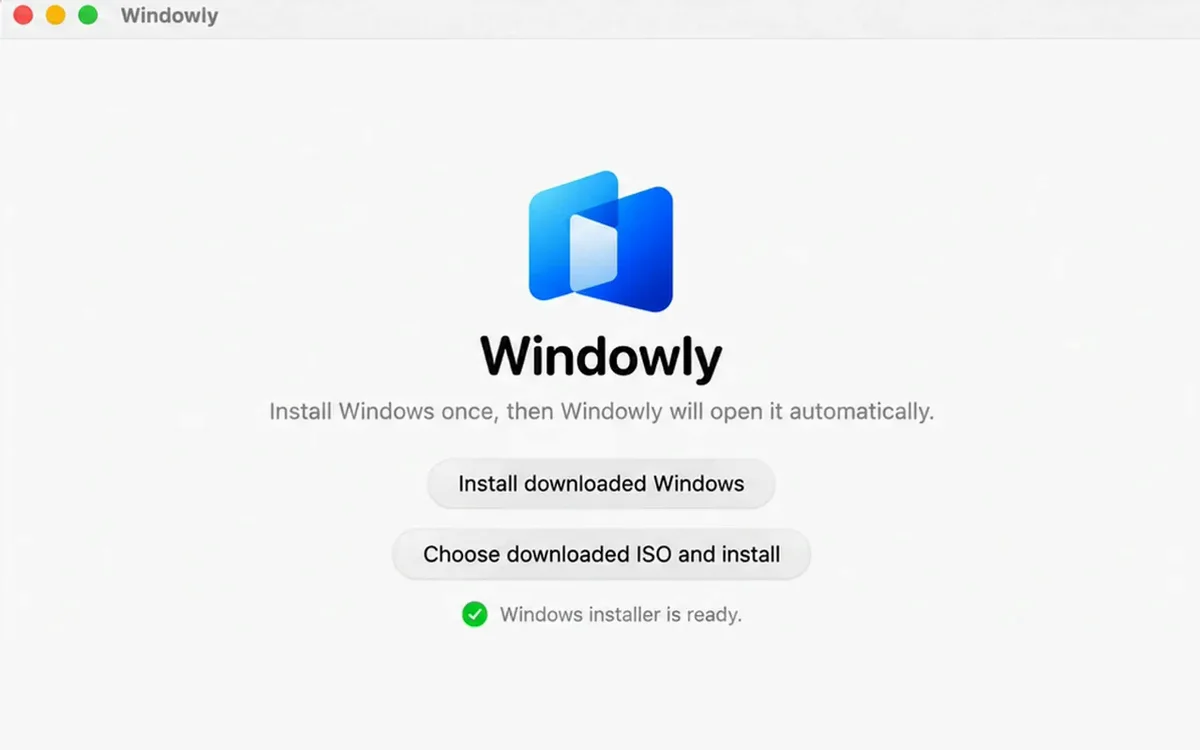
Install Windowly
Open Windowly and let it create and configure Windows automatically.
Add ArcGIS Pro
Choose ArcGIS Pro in the catalog to open Esri’s download page, then install it in Windows.
Launch your way
Open ArcGIS Pro directly from Windowly, or use the full Windows desktop when needed.
The real application
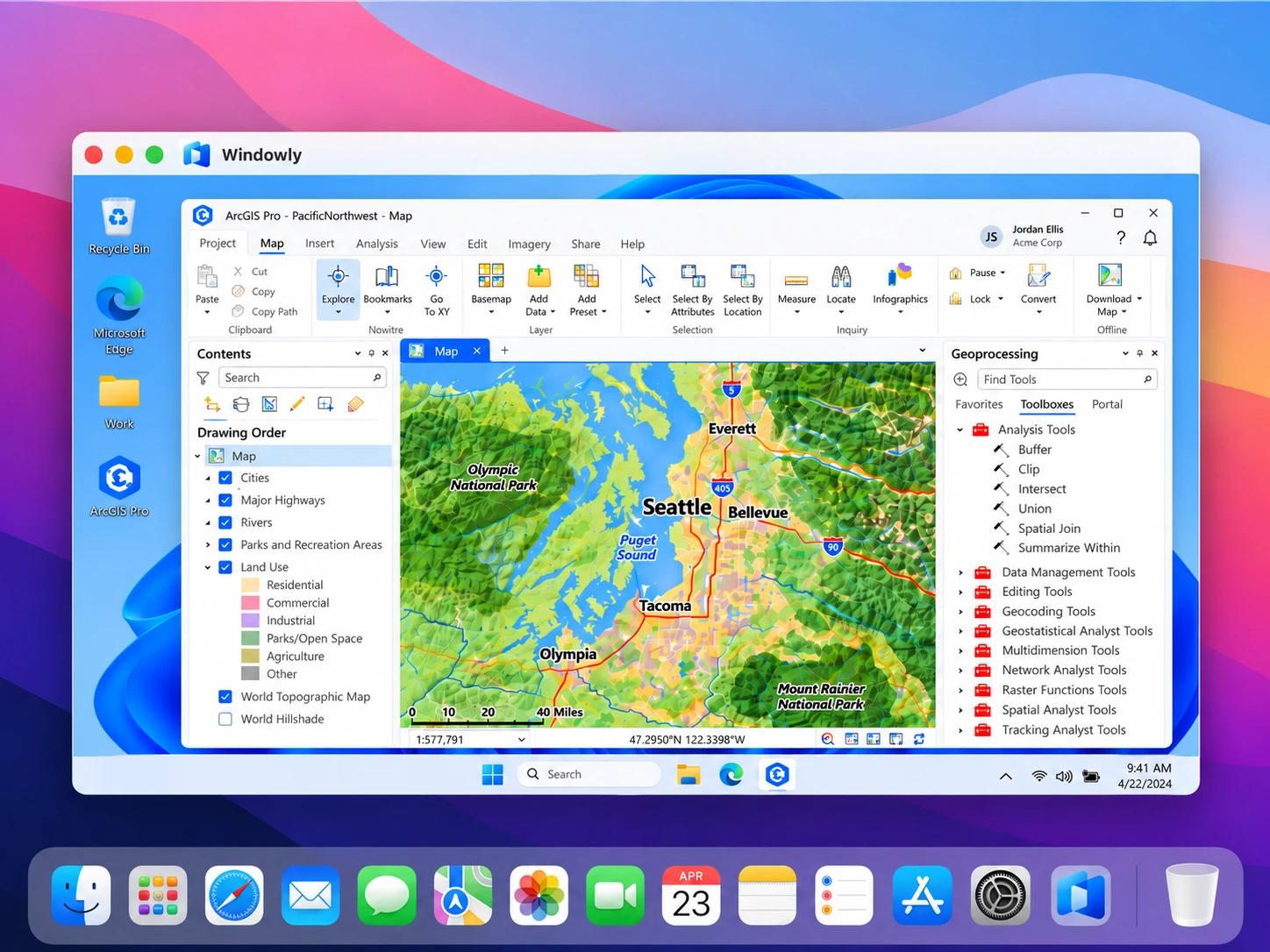
See ArcGIS Pro in its Windows workspace.
Keep the full desktop tools for mapping, spatial analysis and project files.
Why Windowly
Real Windows, set up for you.
Real Windows
Your Windows apps work just like on a PC.
Set up for you
Windowly installs and configures Windows. No tech skills needed.
Right on your Mac
No cloud, no remote server. Your files stay with you.
Made for everyday use
Free
Use ArcGIS Pro on your Mac for free.
Windowly is free to download and use. No card, no subscription.
i Before you start, you need:
- An Apple Silicon Mac (M1 or later) — Intel Macs not supported
- macOS 14 or later
- 32 GB of memory recommended for ArcGIS Pro
- 60 GB of free disk space
- A Windows licence and an ArcGIS Pro licence on an ArcGIS organization account (not included). A free public account cannot activate it.
Details
Compatibility: Compatibility and performance vary by hardware, macOS version, memory, storage and application.
Price: Windowly is free. No card, no subscription, nothing is charged.
Access: Sign in once in the app with your email. Your files stay on your Mac.
ArcGIS Pro on Mac FAQ
Questions before you start.
Does ArcGIS Pro run natively on macOS?
No. ArcGIS Pro requires Windows. Windowly prepares the local Windows environment it needs.
Do I have to open the Windows desktop every time?
No. Launch ArcGIS Pro from My apps, or open the full desktop when needed.
Can I use files from both macOS and Windows?
Yes. Windowly configures shared folders and supports dragging files between the two environments.
Are Windows and ArcGIS included?
No. You need your own Windows licence and an ArcGIS Pro licence on an ArcGIS organization account. A free public ArcGIS account can’t activate ArcGIS Pro.
Does Windowly install ArcGIS Pro for me?
Not automatically. Windowly takes you to Esri’s download page, and you run the installer in Windows. If it asks for the Microsoft .NET Desktop Runtime, choose the x64 version and run the installer again.
Does 3D work?
3D is drawn by your Mac’s processor rather than its graphics chip, so large 3D scenes can feel slow. Simple maps and smaller projects run best.
Will every extension and dataset work?
It depends on the extension, the dataset, your Mac and the size of the project. Windowly is free, so try yours.
Want to try ArcGIS Pro on your Mac?
Windowly is free. No card, no subscription.
Download freeFree · no card · no subscription